
One inbox, grouped by project
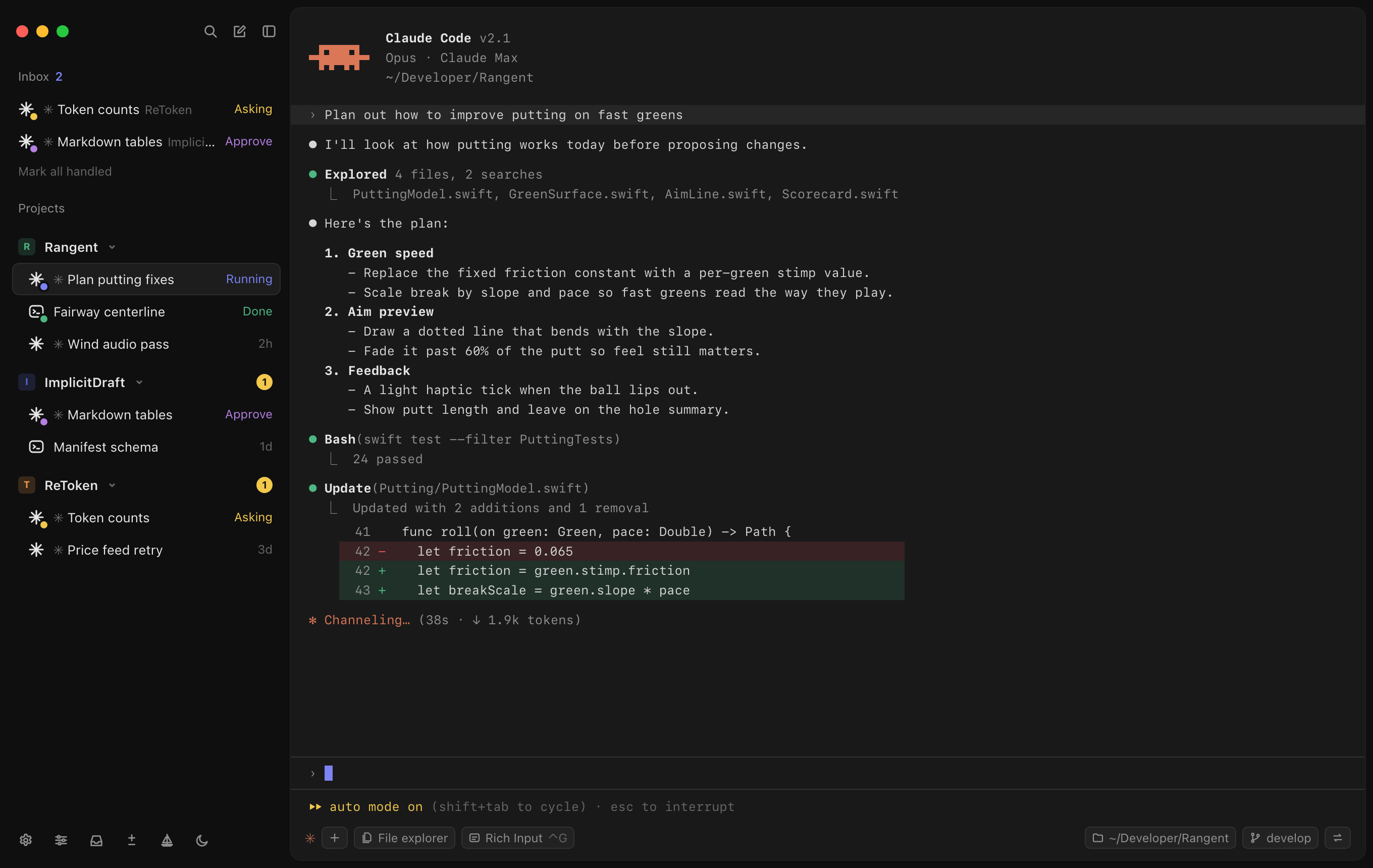
Every running agent in one column, with unread badges per project so nothing finishes unnoticed.
Shipwright · v0.6.3 is out →
Shipwright turns your terminal into a vertical inbox of projects and surfaces the local coding agents that need your attention. Agents waiting on input rise to the top; everything else stays quiet.
Signed & notarized · macOS 13+ · Apple Silicon + Intel
Windows 10/11 x64 installer · Alpha · Not code-signed yet, so SmartScreen warns on first run · Uninstall it from Settings → Apps
Drives the local agents you already run
Run a dozen agents across projects. The ones waiting on you rise to the top.
Hooks run on your machine. No relay, no sign-in, and no session ever leaves it.
Quit, restart, come back tomorrow. Every conversation reattaches with history intact.
1.0 Inbox
Kick off as many agents as you want across every project. Shipwright pulls the ones that need a decision to the top with a status dot. When everyone is heads-down, it simply reads “Nothing needs attention.”
Every running agent in one column, with unread badges per project so nothing finishes unnoticed.
Live Asking, Approve, Running and Done states. Quiet by default.
2.0 Local agents
Shipwright drives Claude Code, Codex, and other local CLI agents through standard terminal hooks. Nothing is brokered through a server, and there's no account to create.
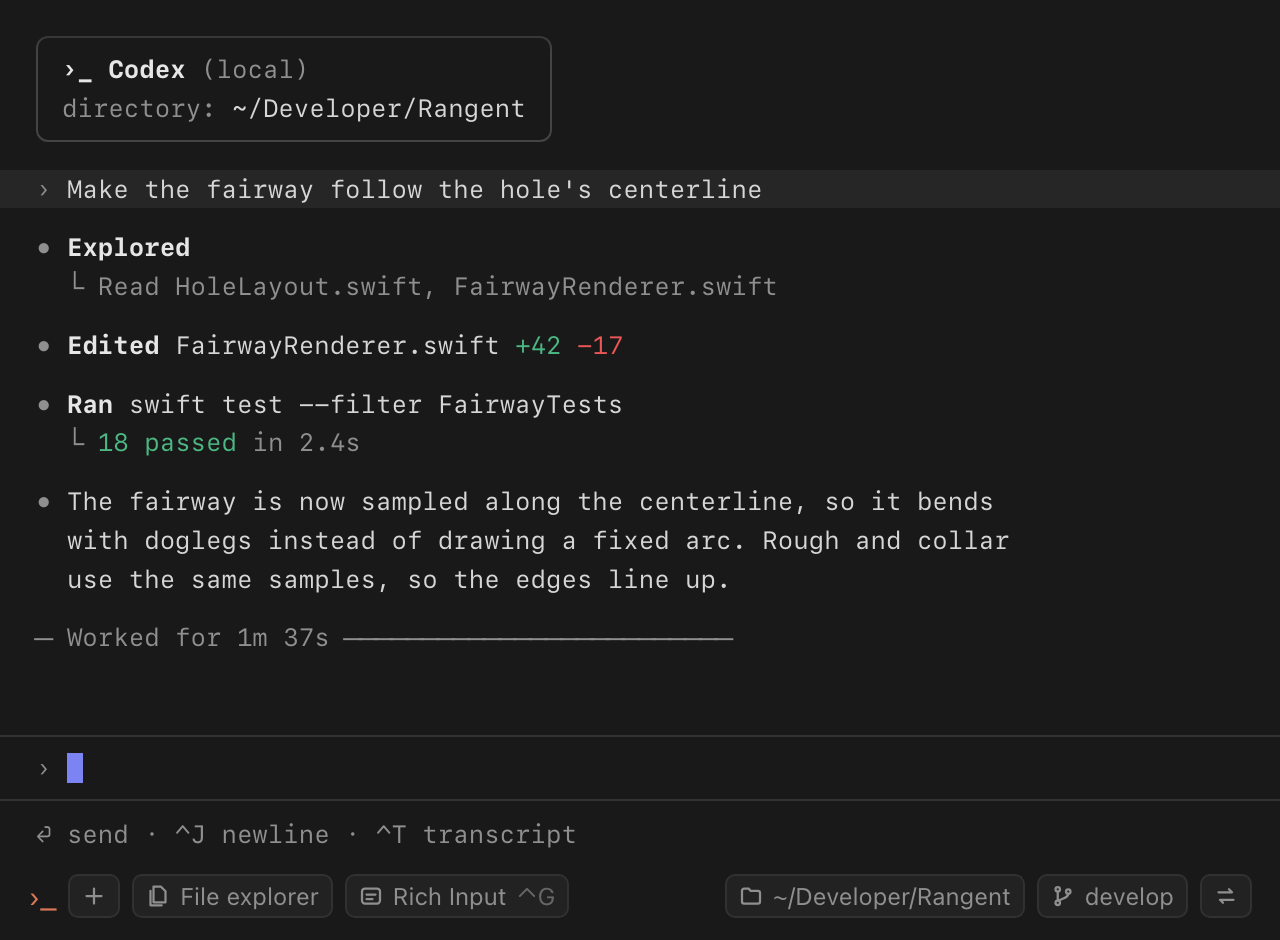
Run Codex, Claude Code, or anything that speaks a terminal, with your own credentials.
No cloud relay, no sign-in, nothing leaves your machine. The terminal tells the inbox; that's the whole protocol.
3.0 Usage
The Usage page totals tokens, cache reads, sessions and active days for Claude Code and Codex, by agent, project or model. Every number is read from the transcripts your agents already keep on your machine. Nothing is uploaded, and no server is involved.


From the last 7 days to a full year, with a daily chart you can split by agent.


A 12-month activity heatmap and your busiest hours, built from local transcripts and stored only on this device.


Memory and tokens for every tab. Close the idle ones in one go, or restart an agent to free its memory and keep the session.
Local usage stats · read from your own transcripts · never leaves your machine
4.0 Resume
Close a tab, quit the app, or come back tomorrow. Shipwright reattaches to each Claude Code and Codex session, so one click drops you back into the full context.
Resume a single tab, or bring an entire project's agents back online at once.
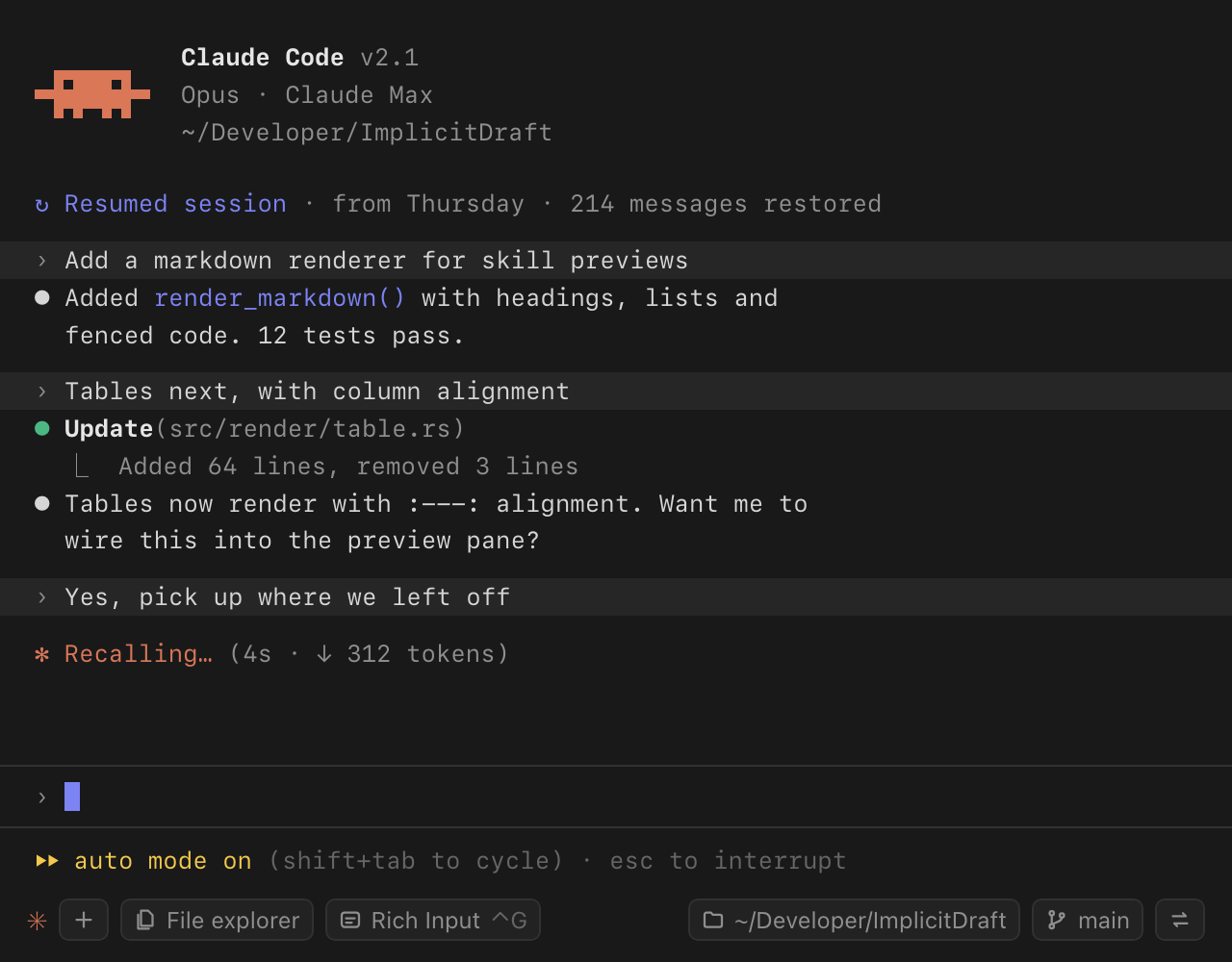
Full conversation and scrollback restored, not a fresh prompt. Survives app restarts.
5.0 Built for long runs
Everything you reach for during a long agent run lives in the same window: files, history, diffs, and Sail to keep your screen awake until the run is done.
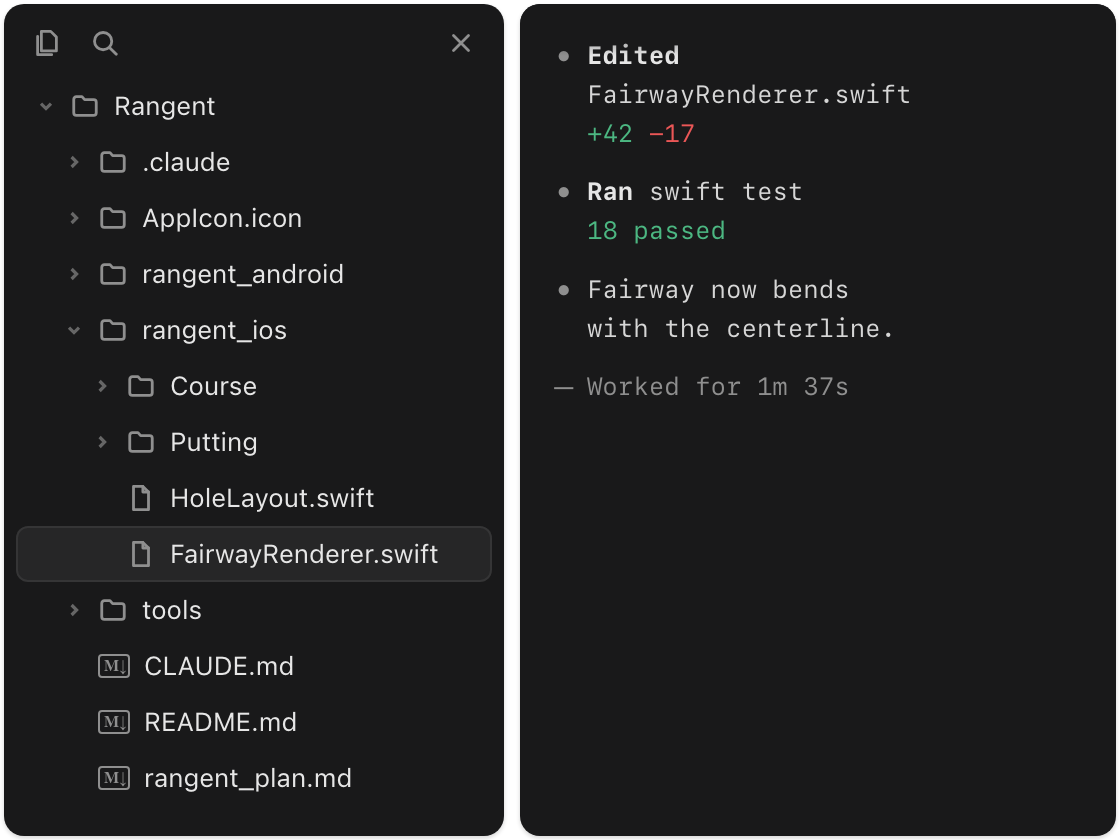
Browse the project tree beside the active agent without leaving the window.
Click Sail in the sidebar and your screen stays on while agents work, so long runs finish instead of stalling on sleep and you can watch them land. Leave it on, or pick 5 min to 4 hrs and it switches itself off.
5.1
Find that command, error, or answer from any past run, not just the scrollback in front of you.
5.2
Recall what you ran before and complete commands as you type, without leaving the agent.
5.3
Plans, specs, and READMEs render as formatted markdown right inside the app.
5.4
See exactly what your agent edited in a built-in diff panel before you accept it.
5.5
A GPU-accelerated core keeps scrollback and live output smooth under heavy load.
5.6
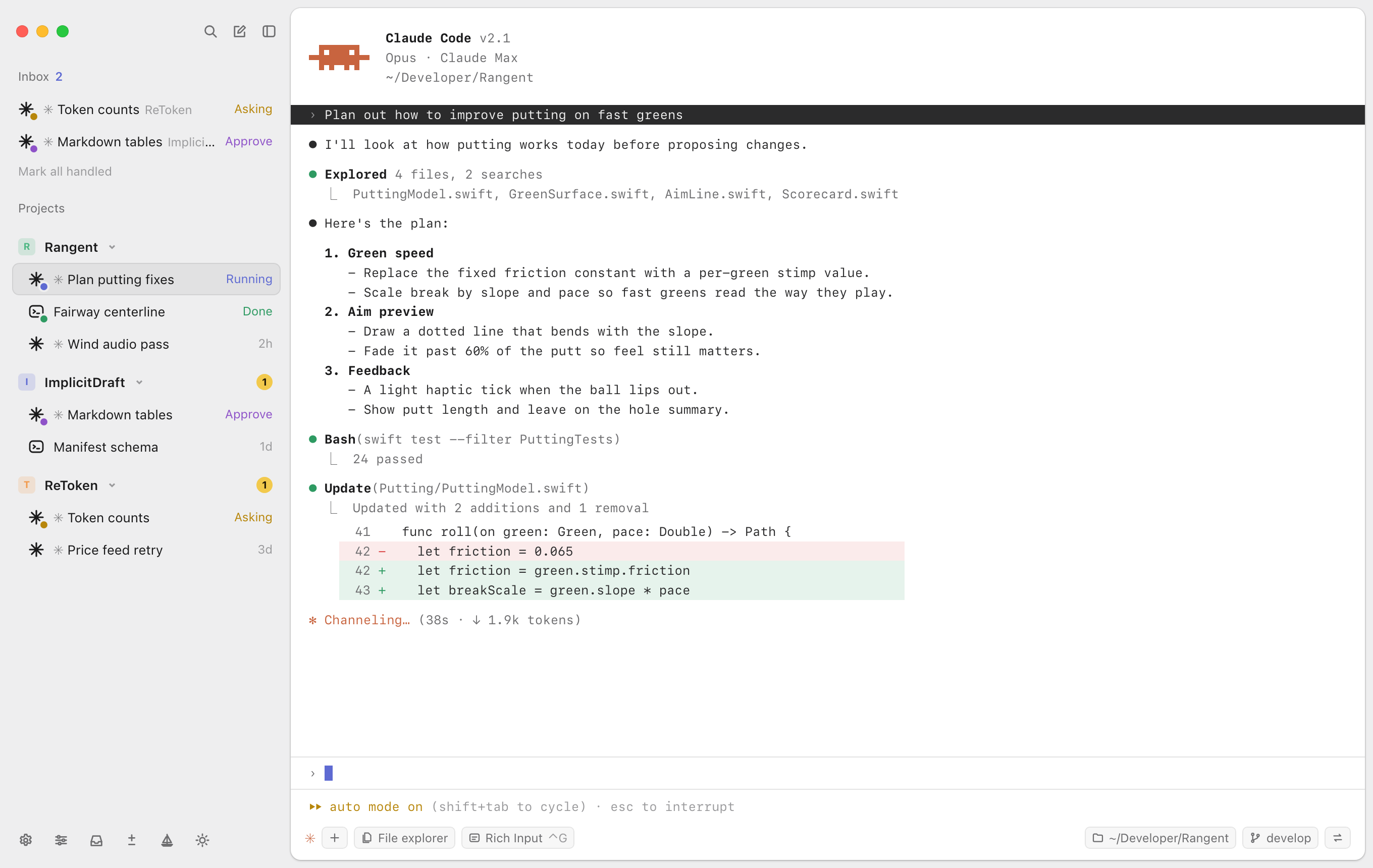
A focused dark mode and an airy light mode. The whole interface follows, chrome to agent output.